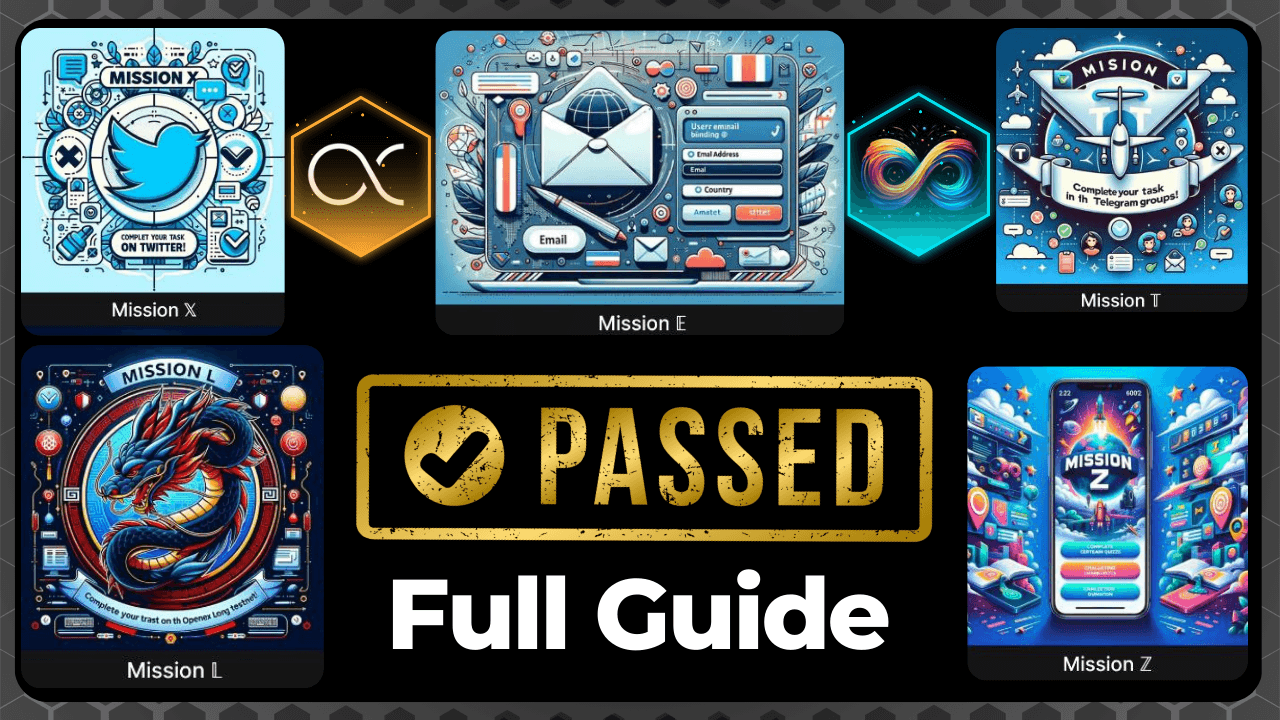
The Openex Testnet Missions have been introduced to act as a KYC measure in place of the initial facial KYC. Complete the missions to link your OEX Wallet for Airdrop collection. Higher completion rates may increase initial receipt amounts and expedite batch entry times for collection.
STEP 1: Install App + Import Wallet
There are different ways to download the Openex AlphaTest App. Only download from the official Openex website or through the PlayStore link shared on the Openex site.
Now Import or create a wallet. To import, tap the “import” button and paste your Metamask private key. Note that you will need to create a 6-digit password that you’ll need every time you log in.
STEP 2: Mission Z
Now that your OEX Test wallet is set to do the task, go to Missions, you will be asked to do 5 missions. Starting from Mission Z, which is the Quiz KYC Verification, you will be asked 5 questions with options. Please check the option you’ve chosen if it’s correct before submitting. You will receive some test USDT that will come in handy during Mission L.
STEP 3: Mission L
Before carrying out Mission L, you will need to make use of the 10 USDT given to you. Go to Hub, then select Swap. Swap USDT to OEX, USDT to AGI, and make sure you have at least 1 USDT, 1 OEX, and 2.5 AGI in your wallet after making use of the 10 USDT on swapping.
Now go back to Mission L and add all assets (Make sure all these assets i.e USDT, OEX & AGI are marked with a green tick)
STEP 4: Mission T
Now Move to Mission T, which is the Telegram Mission. You will be given a command to send to Agiex_bot on a telegram. Copy the command then search for @agiex_bot on telegram. Start the bot and paste the command then submit. The bot will verify you successfully if you have joined the Openex Telegram group. The verification might not be instant, so leave the bot and move to Mission X
STEP 5: Mission X
In Mission X (Twitter Task), provide your Twitter username and post the provided captions after ensuring you follow OEX and Agiex verified Twitter handles. Submit the post link. NB: Ensure each mission shows a green tick upon completion.
STEP 6: Mission E
On Mission E, bind your Satoshi registered email and your country. NB: Use lower-case letters on your email to avoid false balance issues.
Stay tuned for updates. Take your time with each step. Best of luck!”
What to do in case you Failed any of the Missions
Many members of the #OEXCommunity have diligently completed the 5 $OEX Missions through hard work. Thrilled to share that all who’ve completed the missions will find unexpected surprises during the #Mainnet #TGE event. Stay tuned for the excitement! #OpenEX